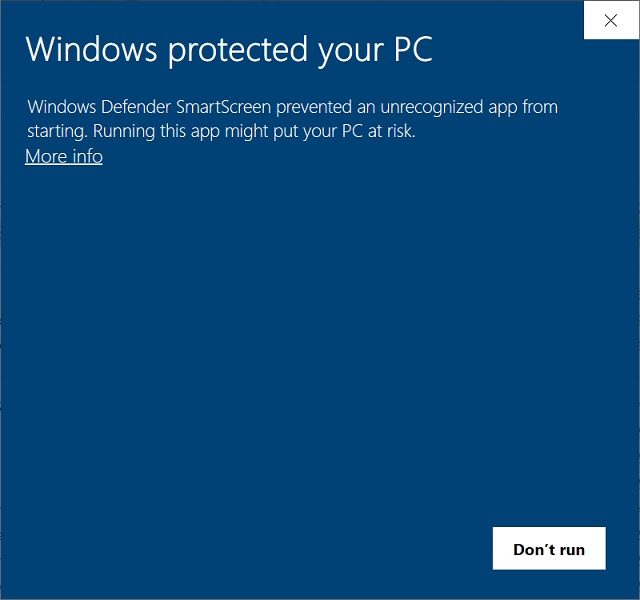
Help Desk: Windows Defender is blocking the DVD Register installer. How do I work around this issue?
The cause of this failure is the strict security settings Microsoft Windows 11 that prevents an unsigned application form running. A signed Windows application is one digitally verified with a cryptographic code signing certificate, proving its publisher's identity. Applications that are available on the Microsoft Store have such digital signatures. The DVD Register installer was created before digital signatures became a thing. The installer runs once and then is no longer needed. The DVD Register uses MS Access as its run time environment.
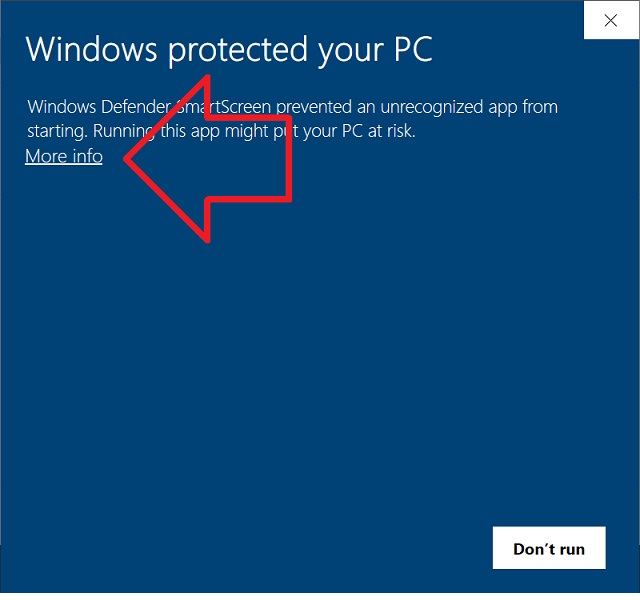
If the installer starts and your are presented with the Windows Defender Smart Screen Below, click on the More Info link.
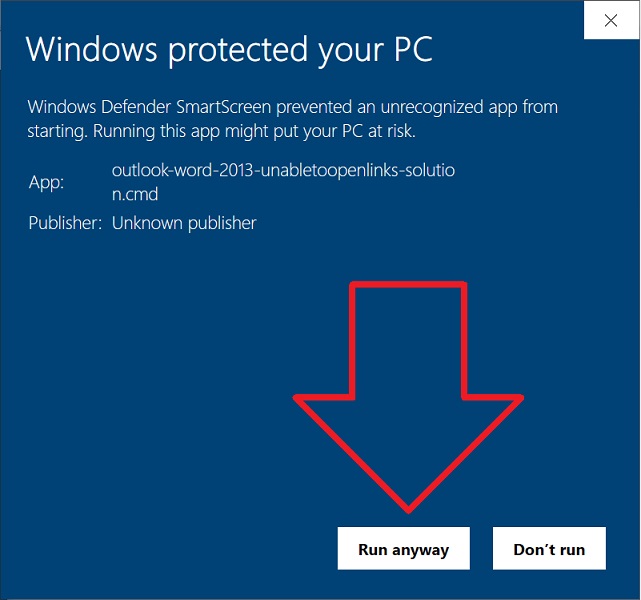
When the next screen appears, select "Run anyway". The install will then run to completion.
NOTE: The DVD Register Installer is normally distributed in a password protected ZIP archive. This file will appear in File Explorer like it is a folder. You must unzip the archive into a normal Windows Folder. The install cannot be performed by running the unextracted executable (exe) file from within the Archive.
Copyright © DVD Register. All rights reserved.